
Work With Collection Items
Some websites include structured content collections such as Team, Testimonials, or Blog. These are optional and depend on how your website was set up.
When To Use Collections
- Use a collection when you are adding repeated content with the same structure.
- Typical examples are staff profiles, testimonials, case studies, articles, or events.
- Some collections create their own pages, while others only feed blocks on existing pages.
Open A Collection
Collections appear in the left-hand navigation when they are enabled for your site.
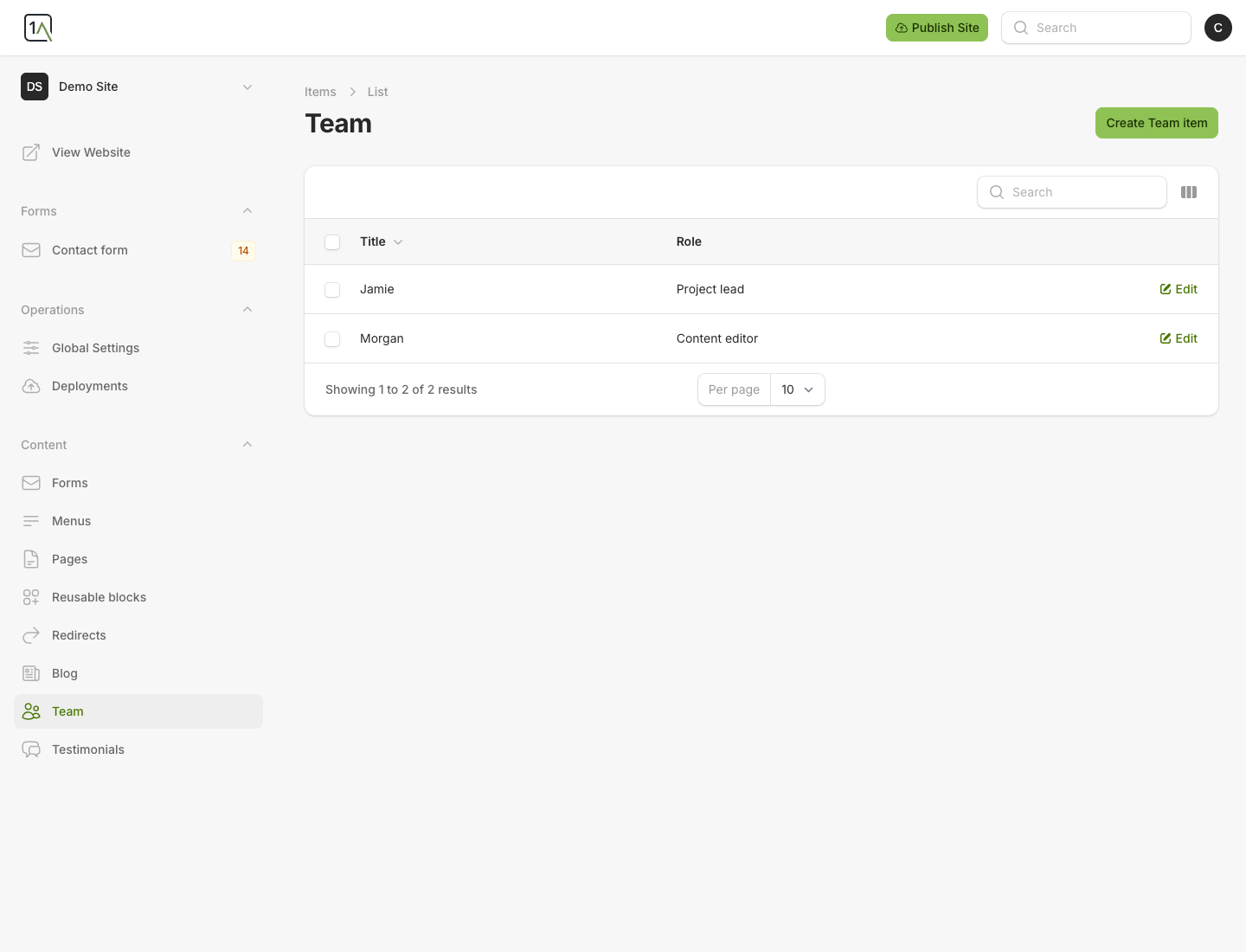
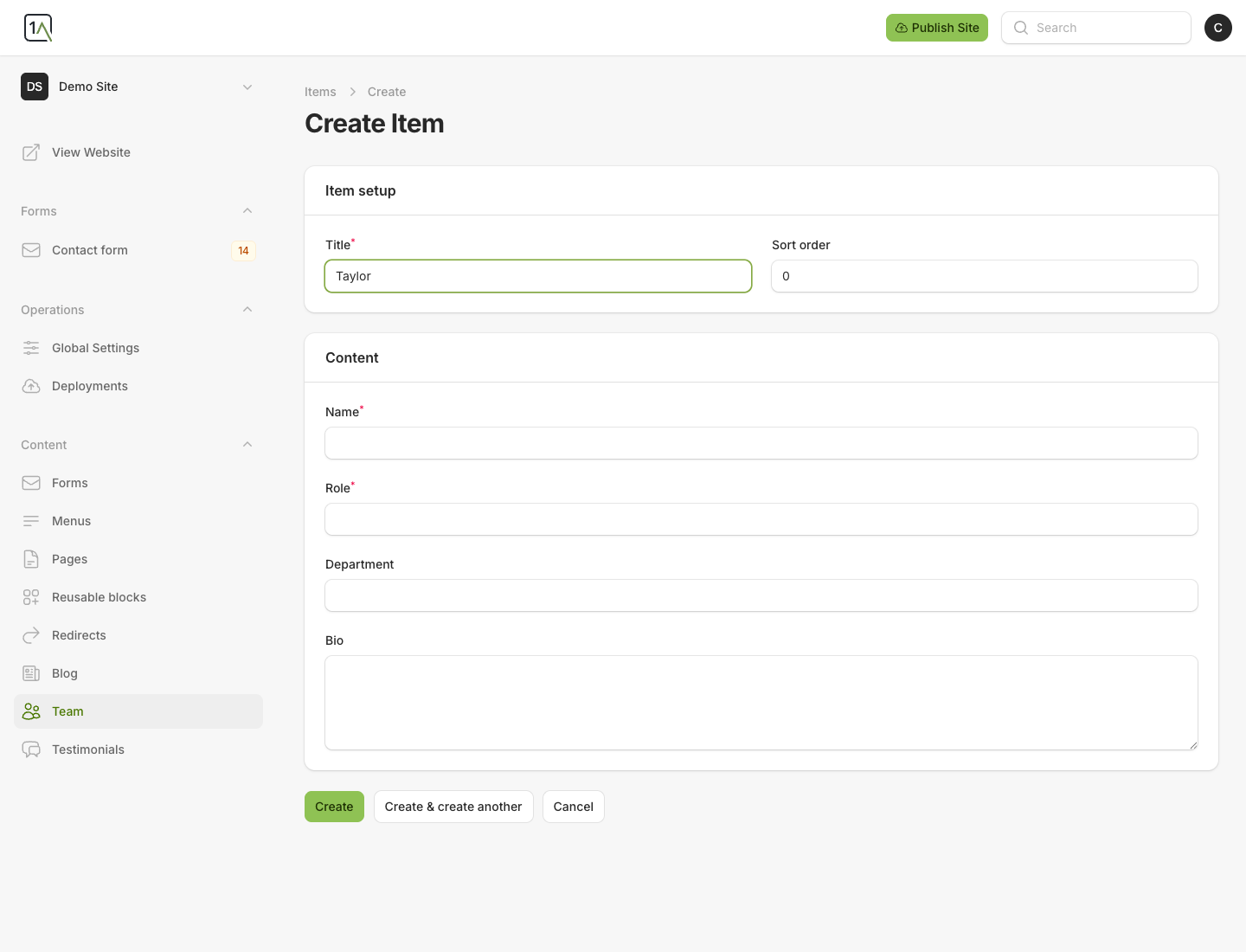
Add A New Item
- Open the collection you want to update.
- Choose
Create ... item. - Fill in the title and the collection-specific fields.
- Save the item.
Important Notes
- A
Blogcollection may create individual post pages. - A collection such as
Testimonialsis often displayed through a page block such as a curated or stream-based section. - The exact fields depend on the collection definition for your site.