
Update Announcement And Cookie Settings
Site-wide settings live in Global Settings.
What You Can Change Here
- The announcement bar text and link.
- Whether the announcement bar is active.
- The cookie banner message and whether it is enabled.
- Any extra site-wide settings that have been added for your project.
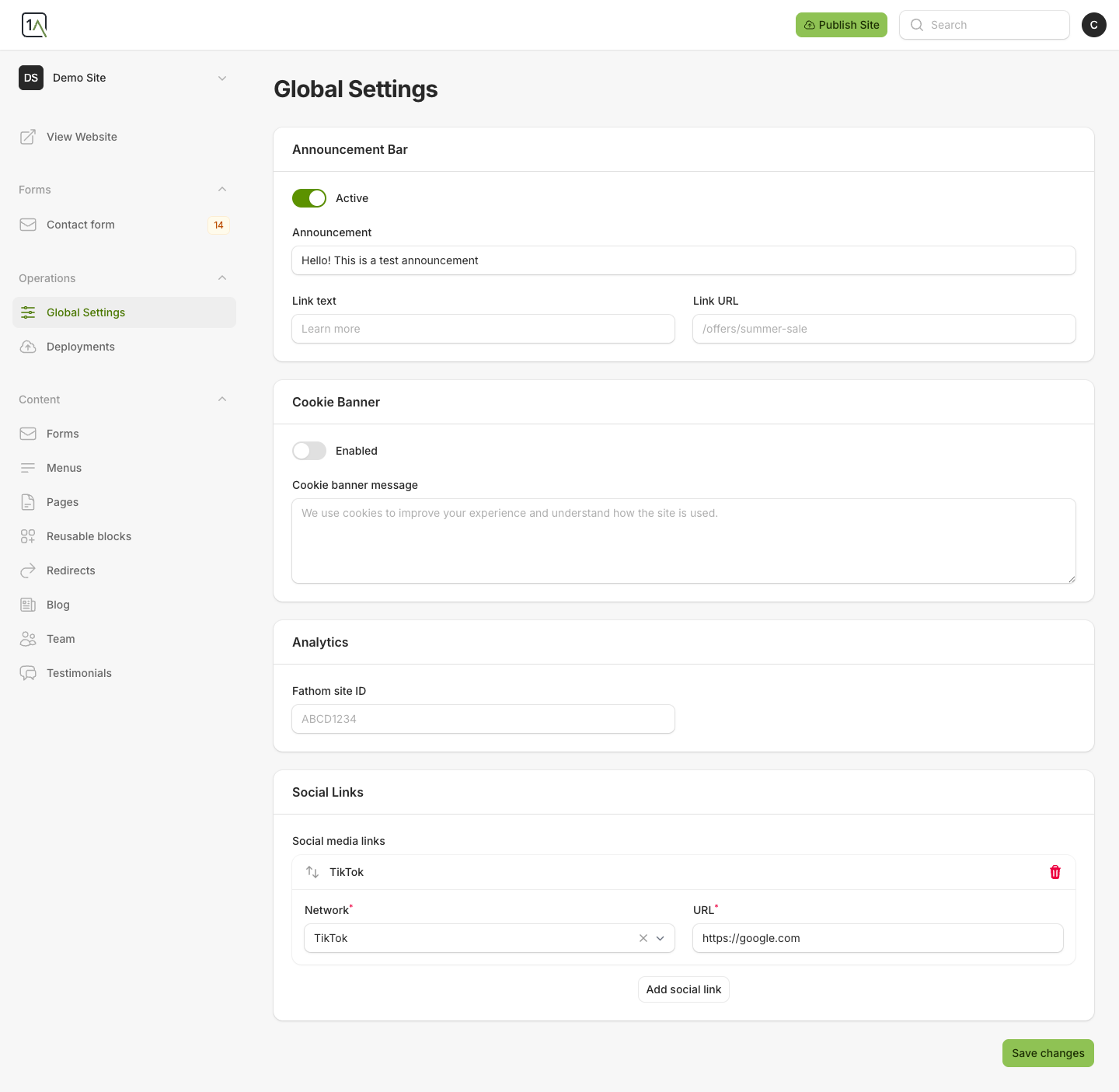
Update The Announcement Bar
- Open
Global Settings. - Turn
Activeon or off. - Update the announcement text.
- Add or update the optional link label and link URL.
- Save your changes.
Update The Cookie Banner
- In the
Cookie Bannersection, enable or disable the banner. - Edit the message shown to visitors.
- Save your changes.
Remember that changing these settings does not update the live site until you publish.