
Publish Your Site
Saving content in the CMS does not automatically push it to the live website. When you are happy with your changes, publish the site.
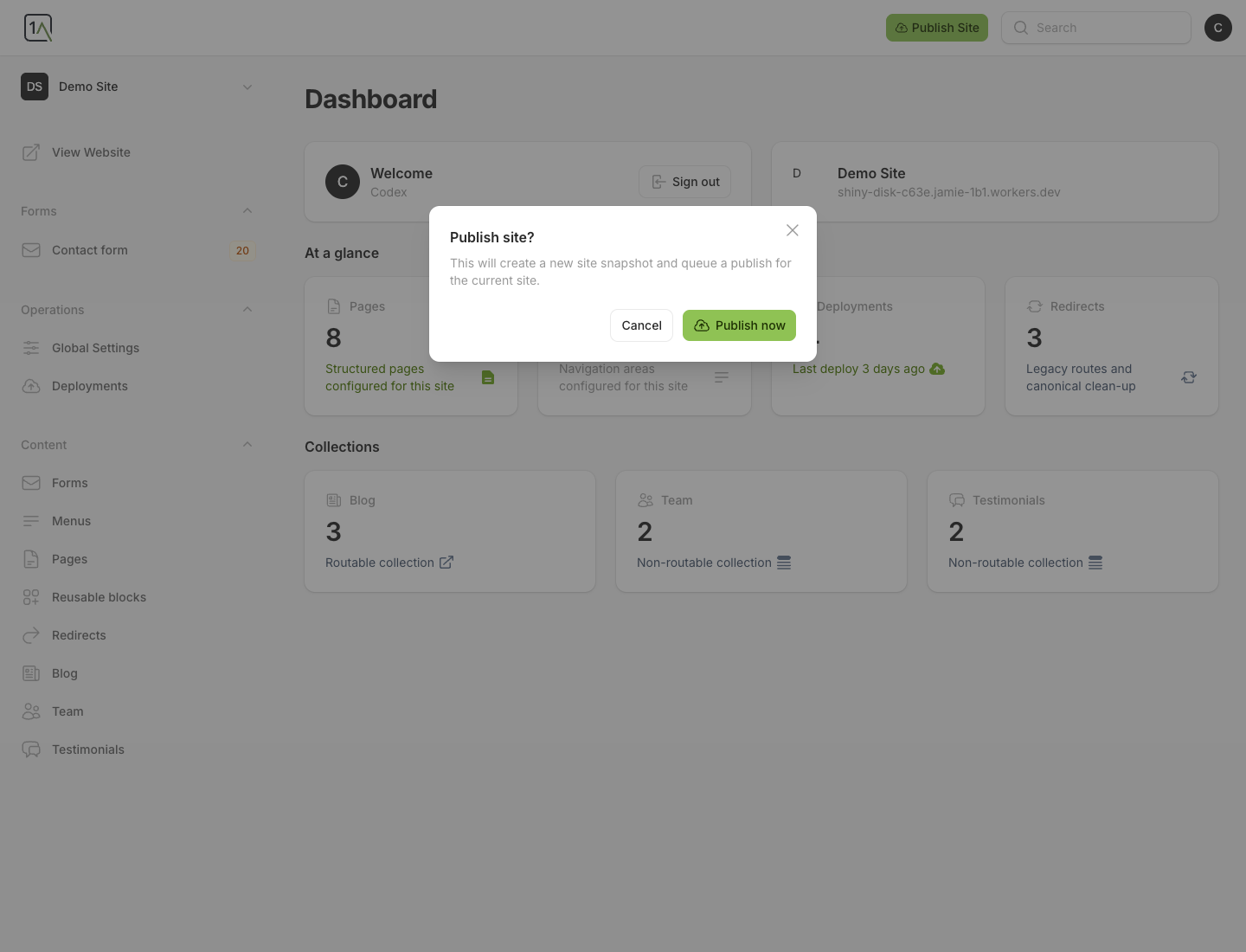
Start A Publish
- Open the site dashboard.
- Choose
Publish Site. - Confirm by choosing
Publish now.
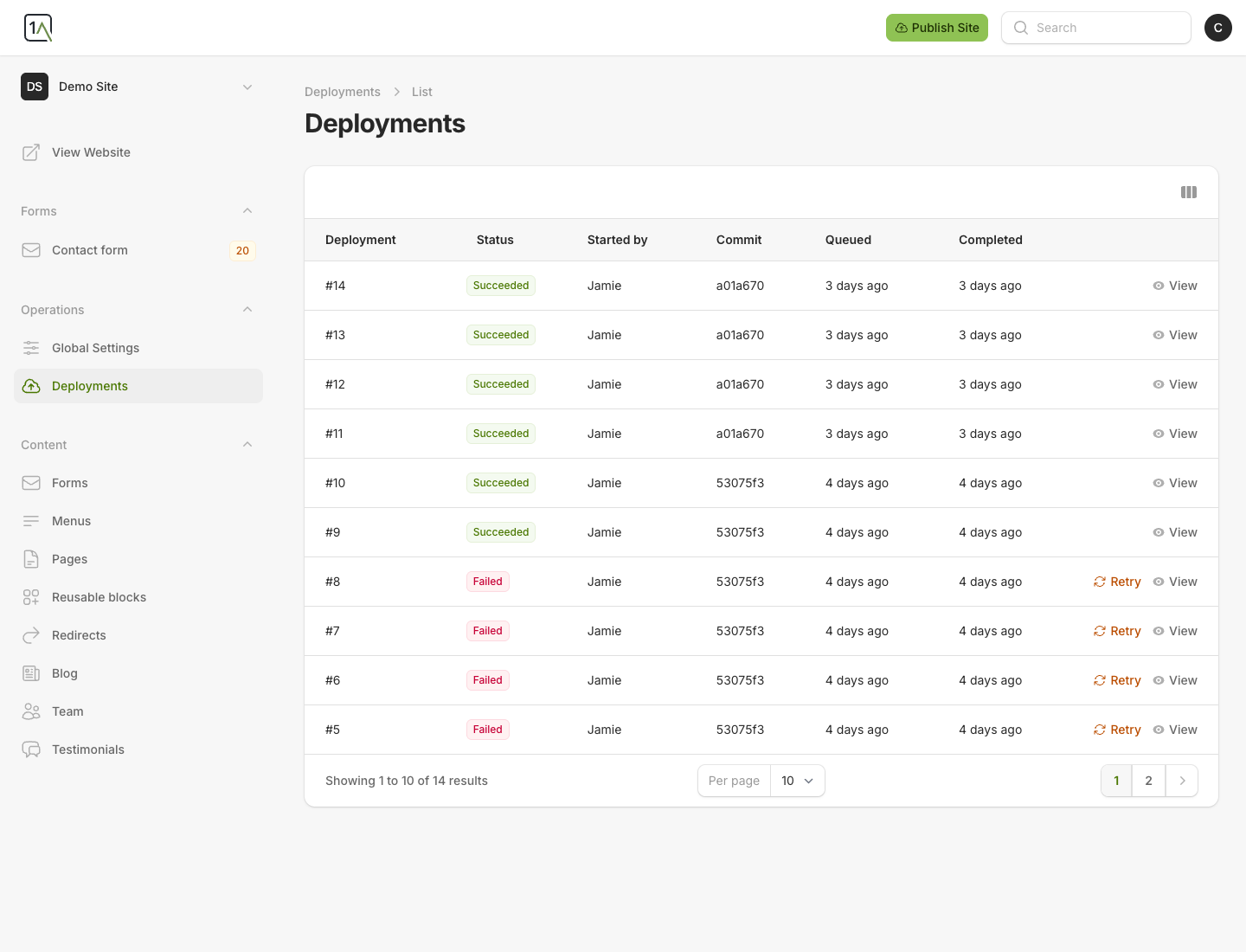
Check Publish History
Open Deployments to see previous publish attempts and their status.
Before You Publish
- Check that page content has been saved.
- Review important pages after major edits.
- If you changed global settings, remember those also need a publish to reach the live site.