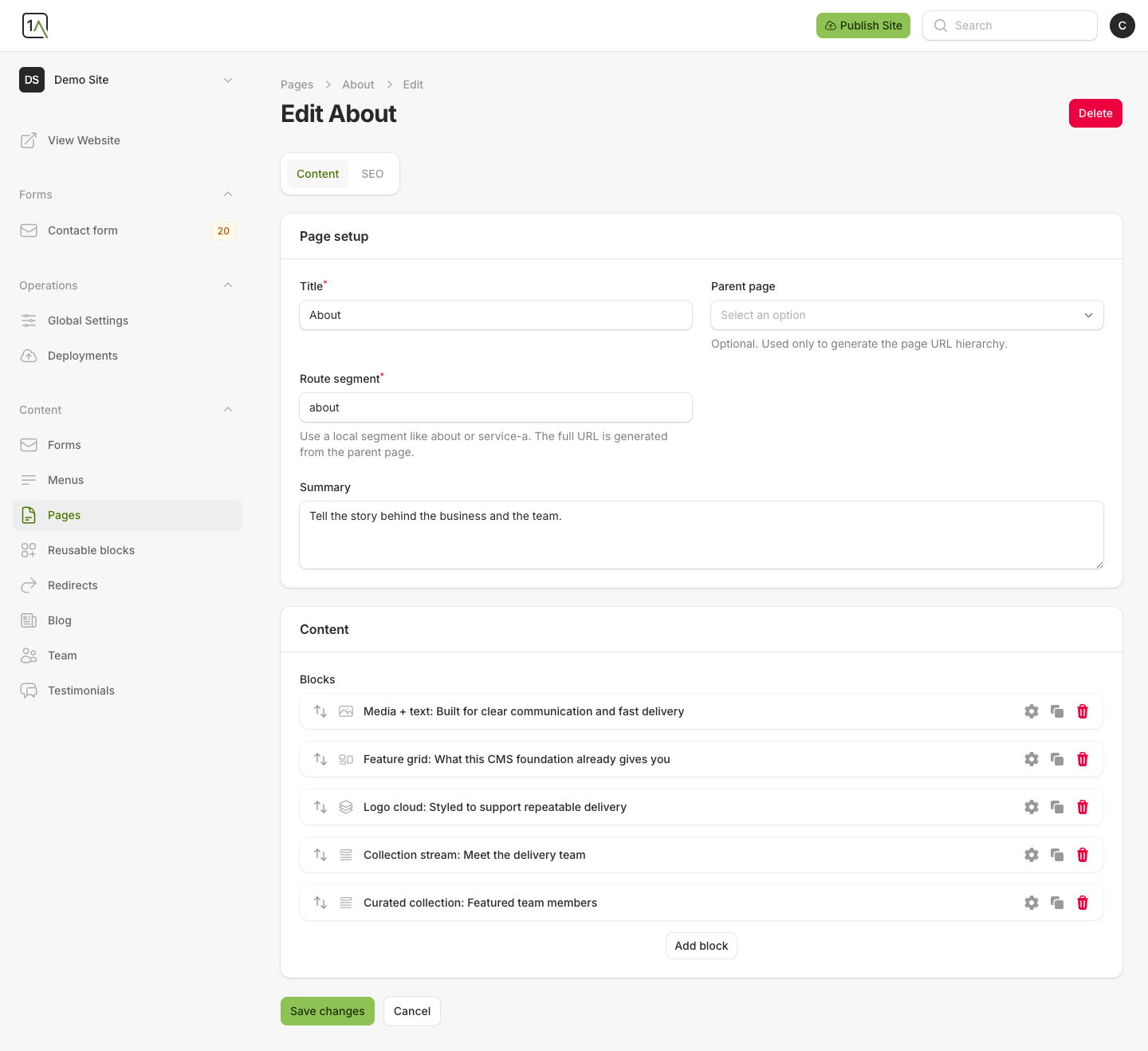
Add A New Page
Use the Pages area when you want to add a normal page such as About, Services, FAQ, or a new landing page.
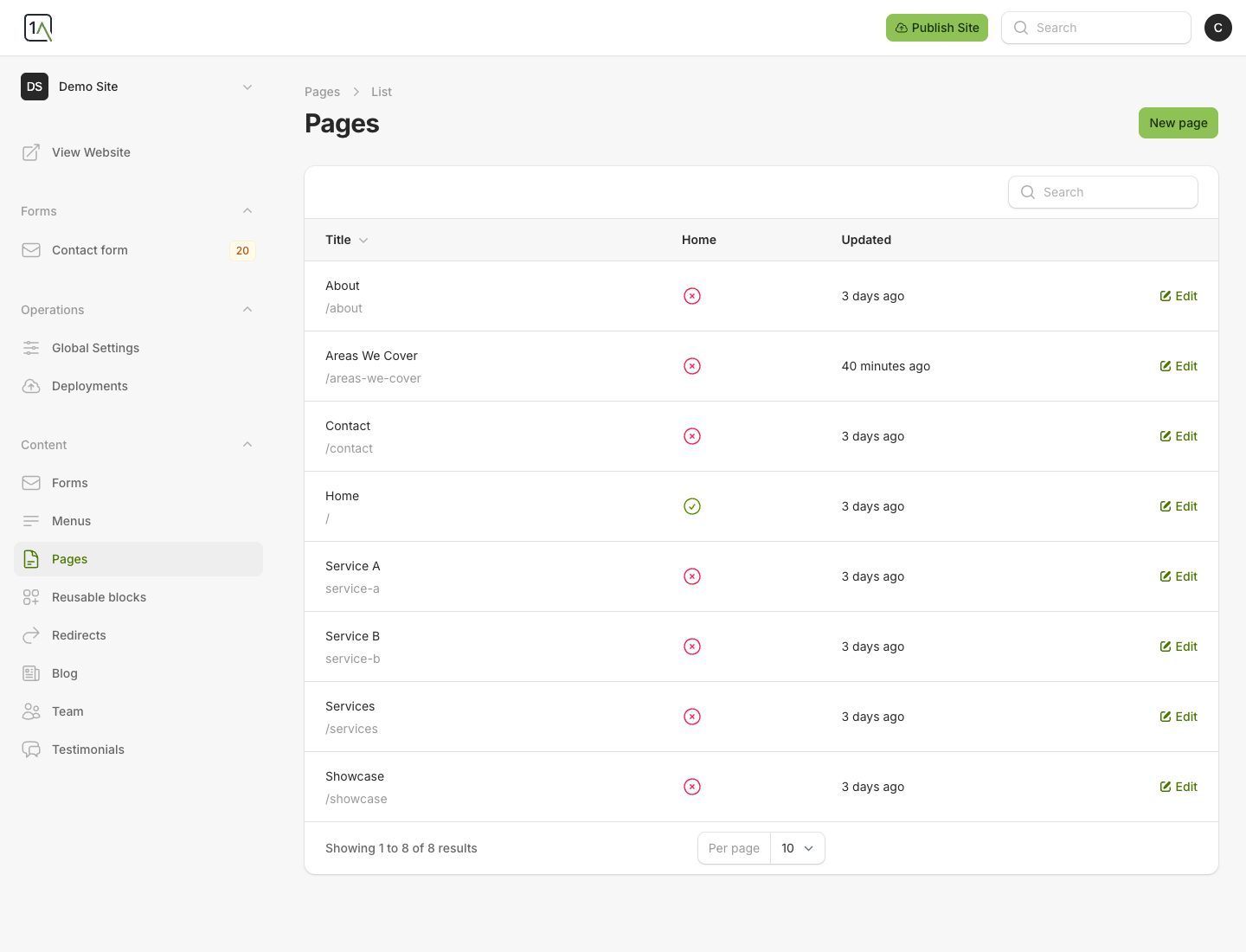
Create The Page
- Open
Pagesfrom the left-hand navigation. - Choose
Create. - Enter the page title.
- Enter the
Route segment. - Add a short summary if useful.
- Save the page.
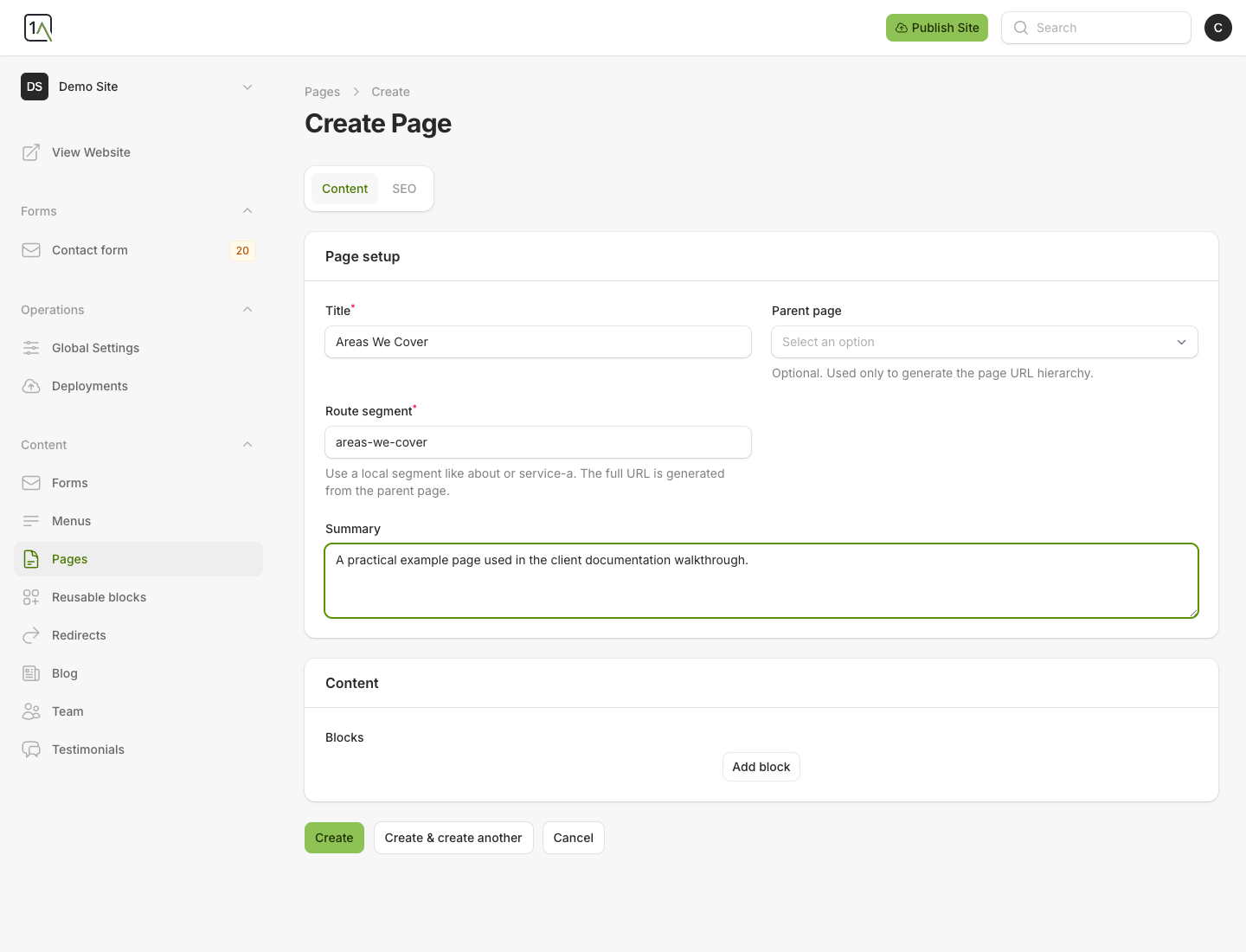
Route Segment Tips
- Use short, readable slugs such as
about,pricing, orareas-we-cover. - Do not include the full domain.
- If the page sits under another page, choose a parent page so the CMS can build the correct URL structure.
After Saving
Once the page exists, you can add blocks, write content, upload images, and set page SEO fields.