
View Form Submissions
If your website includes one or more forms, each form can have its own submissions area in the CMS.
Open The Submission List
- Choose the relevant form from the navigation.
- Open its
Submissionsview. - Review the newest responses at the top of the table.
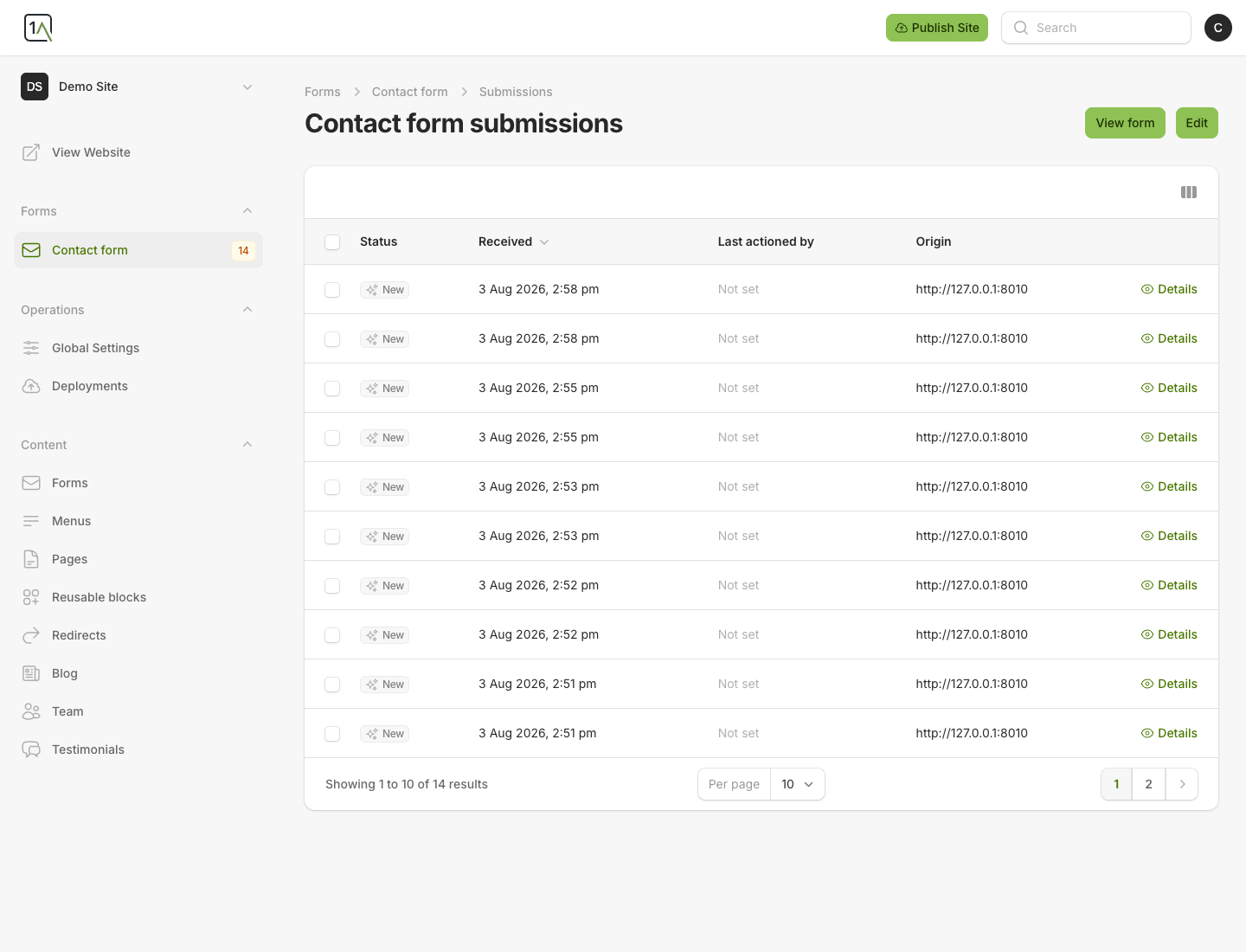
View The Full Enquiry
- Choose
Detailson the submission you want to inspect. - Read the full response in the modal.
- Update the status if you want to mark it as new, processing, or responded.
Notes
- Submission statuses help you keep track of follow-up.
- If your site has multiple forms, each one keeps its own submission history.