
Getting Started
This documentation is written for clients using the One Acre Websites CMS. The screenshots and steps are based on the current client-facing interface.
Before You Begin
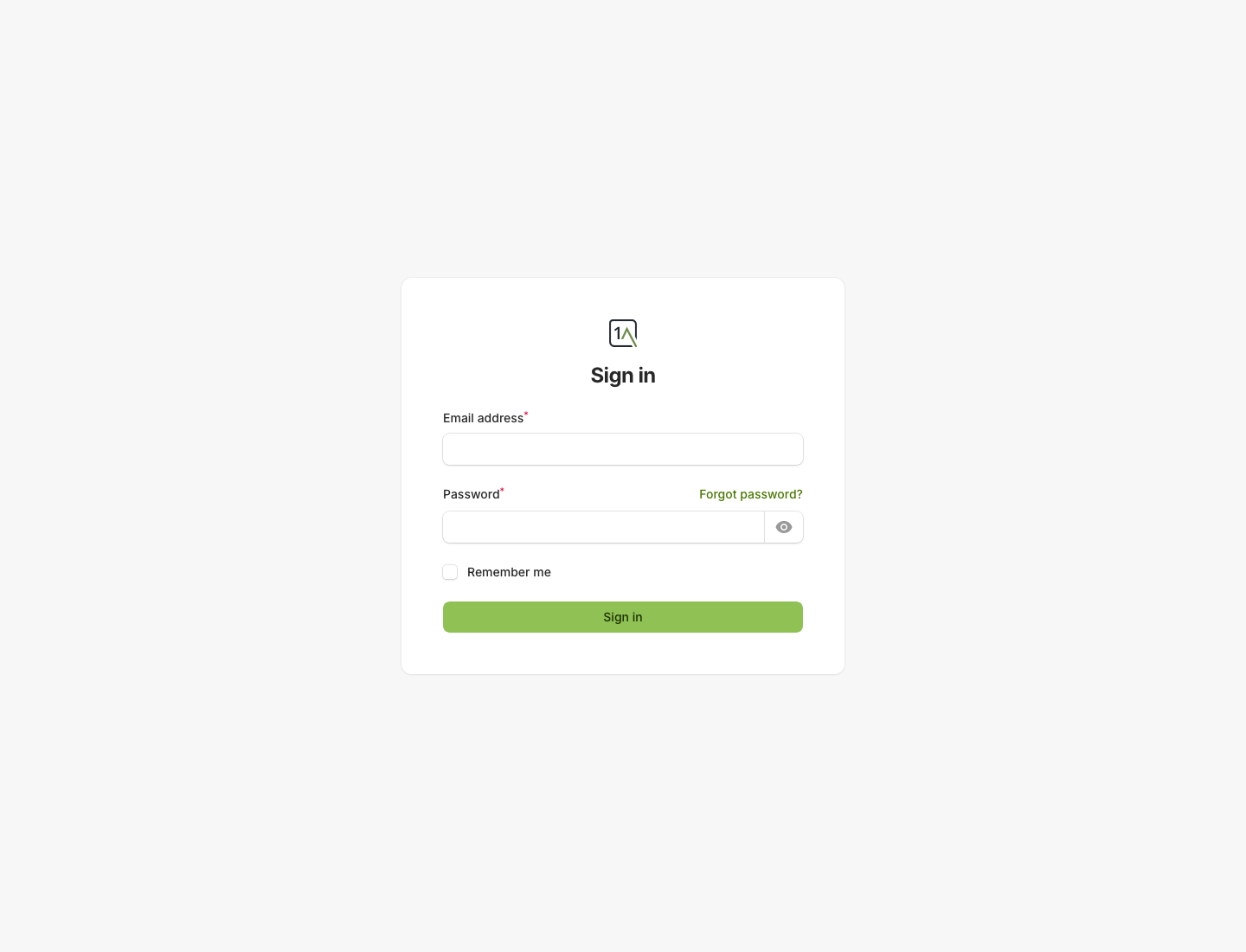
- Sign in with the email address and password supplied for your website.
- If you have access to more than one website, make sure you are working inside the correct site.
- Most content changes are safe to save as you work. Publishing is a separate step.
Main Areas Of The CMS
Pages: create and edit standard website pages.Forms: view form definitions and incoming enquiries.Global Settings: update site-wide items such as the announcement bar and cookie banner.Deployments: review recent publishing activity.- Collection areas such as
Team,Testimonials, orBlog: edit structured content if your site uses them.